
Pixel-Perfect Reporting


Embed Pixel-Perfect Reporting in Products
Generate branded, paginated, high-volume reports inside your app, with exact layout control, automated delivery, and export-ready output.
THE PROBLEM
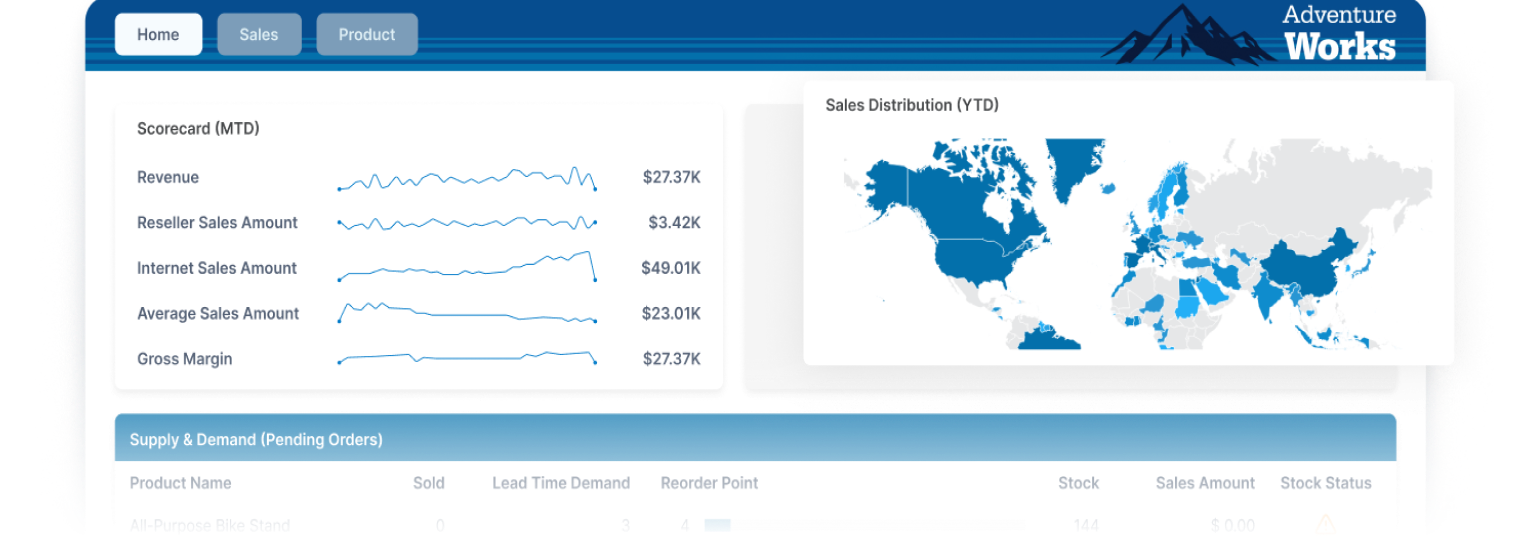
Dashboards Are Not Documents
Dashboards are for exploration. Pixel-perfect reports are for documents that must look right every time: invoices, statements, and compliance packets.
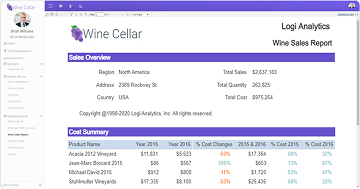
Match the Format
Dashboards explore; pixel-perfect reports produce documents that look right every time: invoices, statements, packets, compliance reports, and exports. When layout, pagination, and branding matter, a screenshot is not enough.
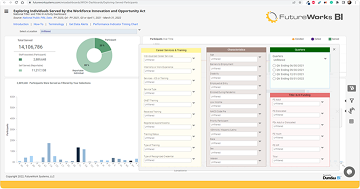
Scale Delivery
One formatted report is easy. Thousands of personalized reports across customers, regions, and schedules is a different problem. Teams need generation that runs behind the scenes and automates delivery without a custom project each time.
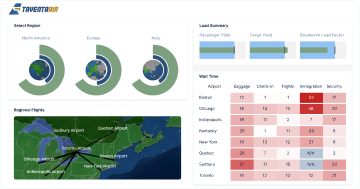
Feel Like the Product
Customers expect exported reports to carry the same trust as the app: right data, right permissions, right formatting, right branding. If a report feels disconnected, users question the process behind it.
HOW IT WORKS
Build Reports that Hold Their Format
Simba Embedded Analytics gives product teams a foundation for structured, branded, paginated output inside the app: design exact layouts, generate from live data, automate delivery, and give users export-ready documents.

Exact Layout Control
Control page structure, object placement, bands, fonts, images, tables, headers, footers, and formatting rules.

Paginated Report Design
Create multi-page reports with predictable page breaks, repeating sections, grouped data, and subreports.

Server-Side Generation
Run generation on the server so complex layouts, large outputs, and high-volume jobs do not depend on the browser.

Scheduling & Bursting
Generate and distribute personalized reports by customer, role, region, account, schedule, or data-driven rule.

Export-Ready Output
Deliver reports in business-ready formats: PDF, Excel, HTML, CSV, XML, RTF, and print-ready output.

Embedded Delivery
Embed report viewing, generation, export, branding, localization, and permissions into the product experience.
WHY US
Built for Precision & Scale
Regulated documents, statements, invoices, and operational reports need consistent structure every time, then automated delivery at volume, inside your product.
Precision When Format Matters
Regulated documents, statements, invoices, and audit packets need consistent structure every time. Build reports around the required format, not a dashboard pattern.
Automation for High-Volume Delivery
Generate the right version for the right user, customer, or tenant at the right time. Scheduling and bursting turn one design into thousands of trusted deliverables.
Reports that Belong in the Product
Reports are viewed in-app, exported from workflows, and stored as records. Embedded delivery reflects your branding, permissions, localization, and user context.
What Production Reporting Requires
Dashboard-first BI, legacy tools, and custom code each solve part of it. The question is whether they deliver exact layout, delivery, and product fit at volume.
| Feature | Requirement | Simba Embedded Analytics | Dashboard BI | Legacy Tools |
|---|---|---|---|---|
| Pixel-level layout control | ||||
| True paginated output | ||||
| Scheduling & bursting | ||||
| High-volume server-side | ||||
| Embedded experience | ||||
| White-label delivery | ||||
| Tenant-aware generation | ||||
| Broad format export |
Frequently Asked Questions
What is pixel-perfect reporting?
Pixel-perfect reporting creates structured reports where layout, pagination, formatting, branding, and output must match an exact design. It suits tax forms, invoices, statements, compliance reports, and customer-ready exports. The goal is a report that looks right every time it is generated.
How is pixel-perfect reporting different from a dashboard?
Dashboards are built for exploration. Pixel-perfect reports are built for repeatable documents that need precise formatting, page control, export options, and reliable distribution. Dashboards help users analyze data; pixel-perfect reports turn data into controlled business documents.
Who needs pixel-perfect reporting?
It suits internal teams and software companies embedding reporting into products. Strong fits include finance, operations, compliance, customer service, regulated workflows, and product teams needing high-volume generation or formatted documents. This is not only an embedded use case; internal reporting matters too.
What kinds of reports are a good fit?
Tax forms, compliance documents, invoices, account statements, order summaries, operational reports, audit packets, service reports, and customer exports. If the report has to follow a specific structure, pixel-perfect reporting is usually the right pattern.
Can pixel-perfect reports be embedded in a product?
Yes. Reporting can be embedded into workflows so users view, generate, export, schedule, and deliver reports without leaving the product. Embedded reporting should feel like a product feature, not a separate tool.
What is report bursting?
Report bursting generates personalized versions of a report and distributes them to the right people, customers, tenants, or regions based on data-driven rules. Bursting turns one trusted template into many targeted deliverables.
Can reports be scheduled and delivered automatically?
Yes. Reports can be scheduled, generated, and delivered automatically for recurring workflows: month-end reporting, customer statements, compliance packets, and bulk exports. The process should run on schedule without becoming a manual task.
Can end users build their own reports?
Yes, depending on configuration. Self-service reporting lets approved users create, modify, run, or schedule reports while product and data teams control templates, permissions, and governance. The right setup gives flexibility without losing control.
What output formats are supported?
Business-ready formats including PDF, Excel, HTML, CSV, XML, RTF, and print-ready output. This matters when reports are shared, archived, submitted, or delivered as customer-facing documents. Reports should leave the system in the format the workflow requires.
How does pixel-perfect reporting handle high-volume output?
High-volume reporting needs server-side generation, scheduling, bursting, and export control for large or complex reports. That suits bulk generation better than browser-driven dashboards. For production reporting, the engine matters as much as the design.