
Custom Embedded Analytics


Build Custom Analytics Into Your Product
Give builders control over design, data models, tenants, and workflows so analytics feels native to your product.
THE PROBLEM
Some Analytics Needs Deep Control
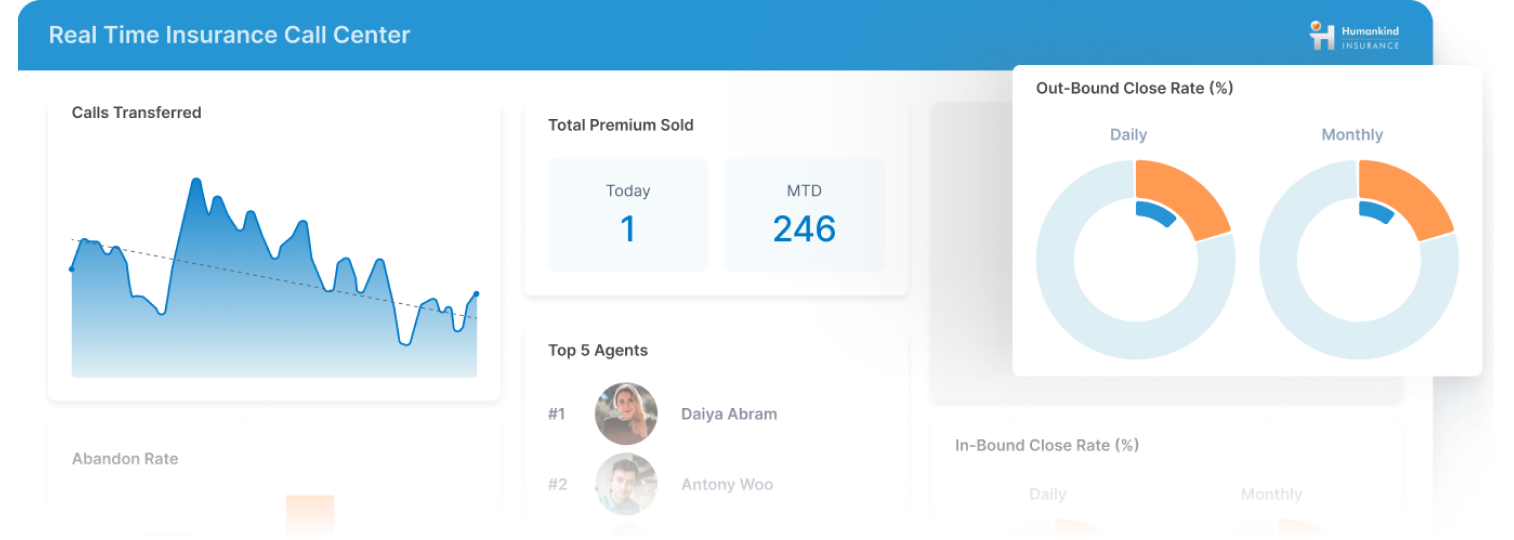
Standard embedded dashboards work until analytics has to match your product's workflow, visuals, and data structure.
Match the Product
A standard dashboard fits when the product needs a familiar surface. Some apps need analytics to match their own workflow, visuals, and data. Custom analytics should fit the product, not the reverse.
Control the Details
Teams often need more than charts and filters: advanced layouts, small multiples, custom interactions, tenant behavior, data model changes, and reporting outputs. Deeper requirements demand more builder control.
Scale Across Tenants
One custom dashboard is easy. A custom experience across customers, roles, packages, and editions is harder. The goal is deep customization without turning every customer into a separate project.
HOW IT WORKS
Build Analytics Your Way
Logi Symphony lets product teams design analytics around the application, shaping visuals, data models, tenant behavior, reporting, and workflows while keeping analytics embedded in the user experience.

Deep Customization
Customize analytics around your product's workflows, users, branding, interactions, and application logic.
High-Fidelity Visuals
Build rich experiences with advanced charts, flexible layouts, small multiples, and custom interactions.
Multi-tenant Control
Support customer-specific analytics across tenants, roles, permissions, packages, and product editions.
Data Model Flexibility
Shape analytics around custom data models, connector behavior, prep steps, and tenant data needs.
In-Memory Analytics
Use in-memory options to keep experiences responsive across complex, high-volume data scenarios.
Web-Based Reporting
Add structured reporting-style outputs alongside dashboards and embedded analytics workflows.
WHY US
Customization Without Rebuilding
Get builder-grade depth over how analytics behaves, looks, and scales inside your product, without building the analytics stack from scratch.
Built for Builders
Control how analytics behaves, how users interact, and how it supports your workflow. Get that depth without building the stack yourself.
Visual Flexibility That Holds Up
Go beyond a basic dashboard grid with layouts, chart types, small multiples, and interactions. Give users analytics that feels designed for the job.
Control Across Customers
Support different tenants, roles, packages, and data models without treating each variation as a standalone build. Scale without multiplying maintenance.
How Much Control Do Builders Get?
Standard BI embedding may be enough for many products. The question is how much control you need over visuals, data, tenants, reporting, and workflows.
| Requirement | Simba Embedded Analytics | Standard BI embed |
|---|---|---|
| Deep Visual Customization | ||
| Advanced Charts & Layouts | ||
| Small Multiples & Vews | ||
| Tenant-Specific Behavior | ||
| Data Model & Connector | ||
| Lightweight Data Prep | ||
| Web-Based Reporting | ||
| Full Experience Control |
Frequently Asked Questions
How is custom embedded analytics different from embedding a BI tool?
BI tools are strong for familiar dashboards and reports. Custom embedded analytics behaves like part of the product itself, with deeper control over visuals, workflows, tenants, data models, and permissions. The goal is analytics that feels native to your product.
Who is this for?
Software companies and product teams that need more control than a standard embedded dashboard provides. It suits products where analytics is a core part of the experience or supports complex customers, tenants, and data models. The buyer is building analytics as product functionality.
How is this different from embedded self-service analytics?
Self-service analytics gives users controlled ways to explore and personalize their own views. Custom embedded analytics is about the product team's ability to design a deeper, tailored experience. Self-service is user freedom; custom is builder control.
How much can we customize?
You can customize visuals, workflows, permissions, data model behavior, tenant logic, and how analytics fits the surrounding app. The right level depends on your product and audience. The point is to avoid forcing every experience into the same pattern.
Can we build advanced visualizations?
Yes. Custom analytics can include advanced charting, small multiples, tailored layouts, and interactive analysis beyond basic dashboard components. This matters when analytics must explain complex data inside the product. The visual layer should match the user problem.
Can this support multi-tenant products?
Yes. Custom analytics often varies by tenant, role, package, data model, or workflow. Logi Symphony supports tenant-aware experiences so you can tailor analytics without a separate build per customer. Customization should scale across customers, not fragment.
Can we control data models and connector behavior?
Yes. Builder-grade analytics often needs more than one clean source. Teams may shape data, adapt connections, support tenant-specific models, or prepare data for the experience. The analytics layer should adapt to your data reality.
How does this support performance for complex analytics?
Performance depends on data architecture, deployment, and query design. Logi Symphony includes in-memory analytics options that help keep experiences responsive across complex, high-volume scenarios. Builders get performance tools without pretending every problem is automatic.
Can custom analytics include reporting, not just dashboards?
Yes. Some experiences need structured, report-style outputs alongside dashboards. Logi Symphony supports web-based reporting where users need guided, formatted, or repeatable outputs inside the app. Custom analytics should support the format the workflow requires.
How can this support AI-powered analytics?
Logi Symphony provides the embedded analytics experience for dashboards, visual analysis, and workflows. Paired with Simba Intelligence, teams can add governed AI answers using approved logic and enterprise data. That combines embedded analytics and AI in one product experience.