
Production Reporting Acceleration


Production Reporting Acceleration for Fast Report Performance


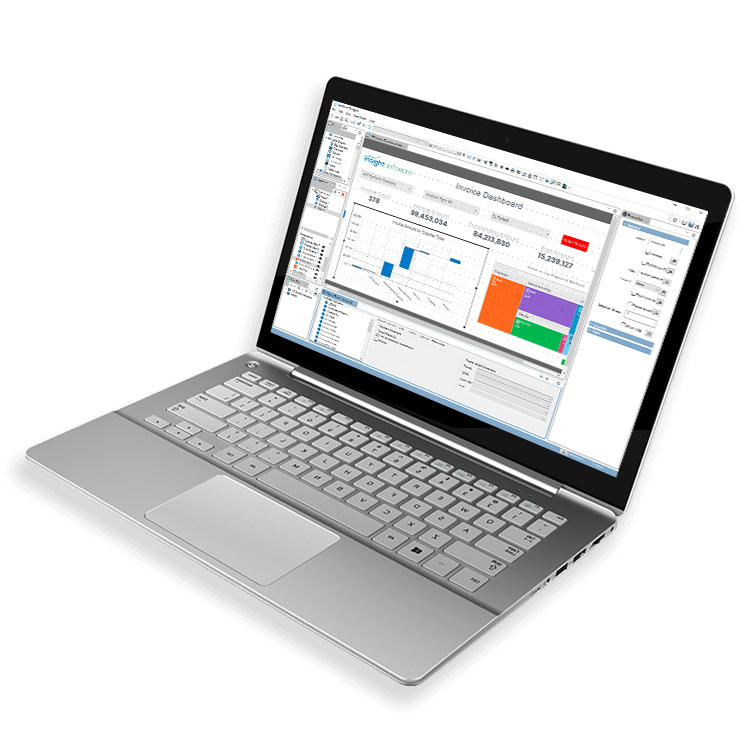
Are Large Data Volumes Impacting Report Performance?
You Need Fast Access to the Right Data
Large volumes of data traditionally mean you spend an interminable amount of time waiting for your query to run, taking up valuable time you could be spending on report creation or data interpretation.

Pulling Data from Multiple Sources Slows the Process
With different data often stored in disparate systems, getting it all together into one report requires running several time-consuming individual reports before manually combining into one.

You are Overloading the Production Servers
A poorly written report can have devastating effects on server space. You need immediate access to up-to-date information to support time-critical processes, such as reconciliations.



Report Against Live Data and Enjoy Fast Response Times Without Impacting the Performance of Your Production System
Combine Data From Multiple Sources
It’s time to get more visibility into your data. By consolidating all of your data from multiple sources into one location, you experience the benefits of a direct, real-time ERP connection. You’ll gain the ability to drill from summary to transaction data with the added capability to proactively track the health of your business with alerts and notifications.
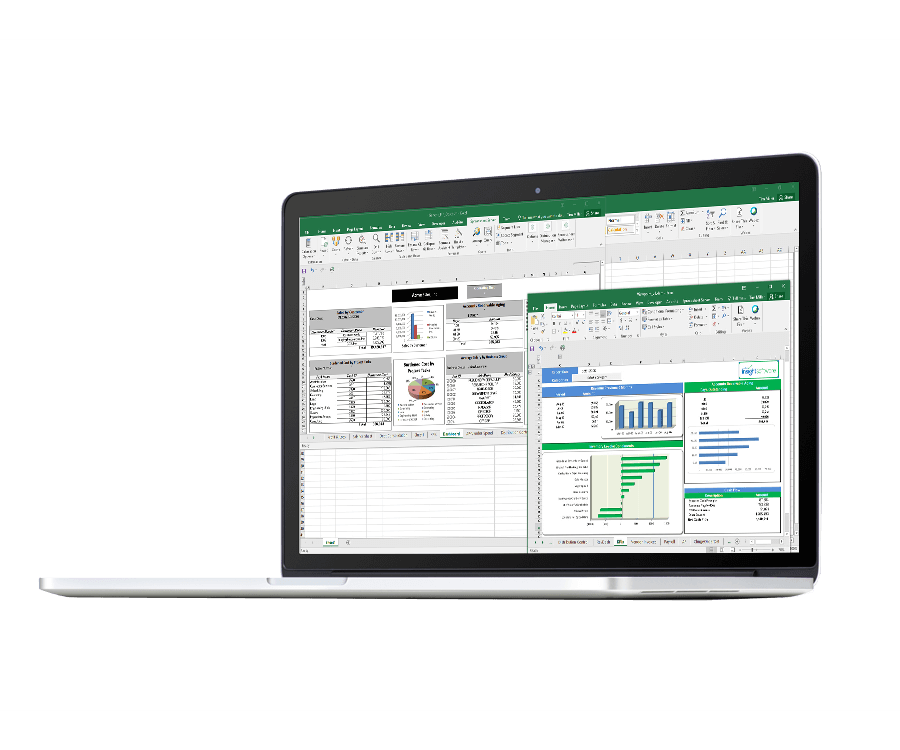
Quickly Report Against Live ERP Data
With insightsoftware’s financial reporting solutions, you get fast reporting while maintaining a single source of truth for consistent decision making. You can monitor your KPIs and metrics in real-time and set alerts to notify you of potential risks and opportunities whenever and wherever you are.
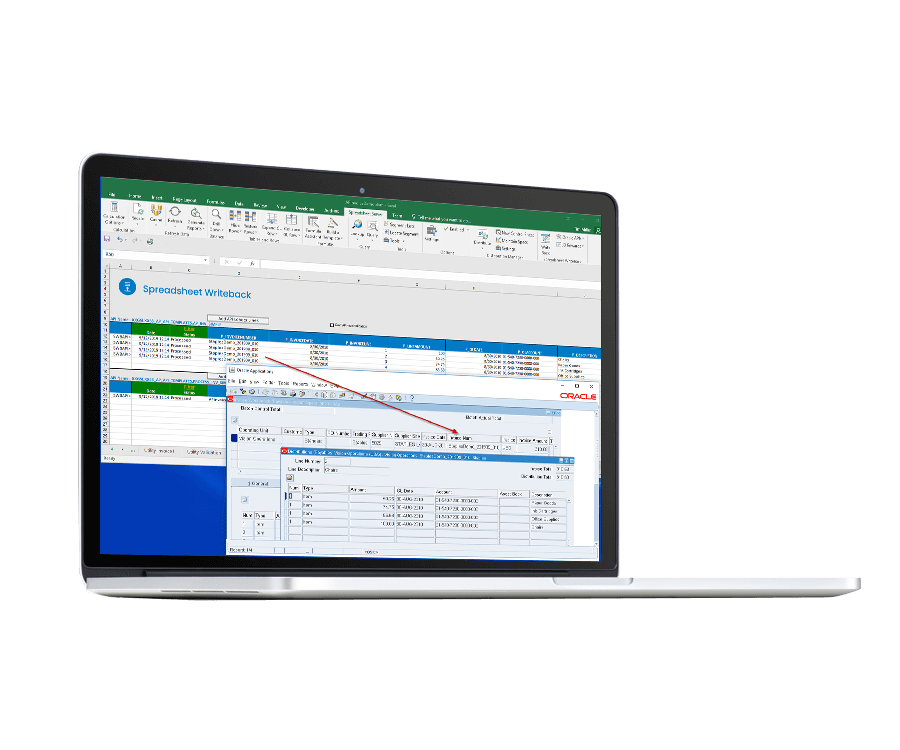
Enjoy Fast Response Times With Large Data Volumes
Take the load off your production ERP without the need to create or maintain a data warehouse. By replicating changes to your ERP system in near real-time into a high-performance columnar database optimized for fast reporting and analysis, you realize your dreams of getting those quick reporting speeds.
Integrates with:
- Deltek Ajera
- Deltek ComputerEase
- Deltek CostPoint
- Deltek Maconomy
- Deltek VantagePoint
- Deltek Vision
- Deltek Vision Cloud
- Epicor Avante
- Epicor BisTrack
- Epicor CMS
- Epicor Enterprise
- Epicor Epicor SLS
- Epicor iScala
- Epicor Kinetic
- Epicor LumberTrack
- Epicor Manage 2000
- Epicor Prophet 21
- Epicor Tropos
- Oracle E-Business Suite (EBS)
- Oracle EPM Cloud
- Oracle ERP Cloud
- Oracle Essbase
- Oracle Financial Consolidation and Close (FCCS)
- Oracle Fusion
- Oracle Hyperion Enterprise
- Oracle Hyperion Financial Management (HFM)
- Oracle Hyperion Planning
- Oracle PeopleSoft
- Oracle Planning and Budgeting Cloud Service (PBCS)
- Oracle Tax Reporting
- Infor CloudSuite Financials
- Infor Distribution SX.e
- Infor Financials & Supply Management
- Infor Lawson
- Infor M3
- Infor System21
- Infor SyteLine
- Infor XL
- Dynamics 365 Business Central
- Dynamics 365 Finance and Supply Chain Management
- Dynamics AX
- Dynamics CRM
- Dynamics GP
- Dynamics NAV
- Dynamics NAV C5
- Dynamics SL
- SQL Server Analysis Services (SSAS)
- MRI Commercial Management
- MRI Financials
- MRI Horizon
- MRI Horizon CRE
- MRI Qube Horizon
- MRI Residential Management
- Sage 100
- Sage 100 Contractor
- Sage 200
- Sage 300
- Sage 300 CRE (Timberline)
- Sage 500
- Sage 50cloud Accounting
- Sage AccPac
- Sage Adonix Tolas
- Sage Estimating
- Sage Intacct
- Sage Intacct Budgeting & Planning
- Sage MAS
- Sage X3
- SAP BPC (HANA, MS or Netweaver)
- SAP Business ByDesign
- SAP Business One (B1)
- SAP Business Warehouse (BW)
- SAP ERP
- SAP ERP Central Component (ECC)
- SAP S/4HANA
SYSPRO
- Viewpoint Spectrum
- Viewpoint Vista
- 24SevenOffice
- A+
- AARO
- AccountEdge
- Accounting CS
- Accountmate
- Acumatica
- Alere
- Anaplan
- Aptean
- Assist
- ASW
- Aurora (Sys21)
- Axion
- Axis
- BAAN
- Banner
- Blackbaud
- BlueLink
- Book Works
- BPCS
- Cayenta
- CCH
- CDK Global
- CedAr e-financials
- CGI Advantage
- Clarus
- CMiC
- CMS (Solarsoft)
- Coda
- Coins
- Colleague
- CPSI
- CSC CorpTax
- Custom
- CYMA
- DAC
- Data Warehouse
- Datatel
- DATEV
- Davisware Global Edge
- Davisware S2K
- Deacom
- DPN
- e5
- eCMS
- Eden (Tyler Tech)
- Emphasys
- Entrata
- Etail
- Expandable
- FAMIS
- Famous Software
- Fern
- FinancialForce
- FireStream
- FIS
- FiServ
- Flexi
- Fortnox
- Foundation
- Fourth Shift
- Friedman
- Full Circle
- GEMS
- Harris Data (AS/400)
- HCS
- HMS
- IBM Cognos TM1
- IBS
- IBS-DW
- In-House Developed
- Incode
- INFINIUM
- IQMS
- iSuite
- Jack Henry
- Jenzabar
- JobBOSS
- Jonas Construction
- M1
- Macola
- MACPAC
- Made2Manage
- MAM
- MAM Autopart
- Manman
- Mapics
- McLeod
- MEDITECH
- MFG Pro
- MicrosOpera
- MIP
- Mitchell Humphrey
- Movex
- MRI
- MSGovern
- Munis (Tyler Tech)
- New World Systems
- Onesite
- Onestream XF
- Open Systems
- PDI
- Penta
- Plexxis
- PowerOffice
- PRMS
- Pro Contractor
- ProLaw
- Q360
- QAD
- Quantum
- Qube Horizon
- QuickBooks Desktop Premier
- QuickBooks Desktop Pro
- Quickbooks Enterprise
- QuickBooks Online
- Quorum
- RealPage
- REST API
- Retalix
- Ross
- SmartStream
- Spokane
- Springbrook
- Standalone DB with ODBC/DSN connection
- Standalone IBM DB
- Standalone Oracle DB
- Standalone SQL DB
- SUN
- Sunguard
- SunSystems
- Sys21
- SyteLine
- TAM (Applied Systems)
- Thomson Reuters Tax
- Timberline
- TIMELINE
- Traverse
- TripleTex
- Unit4
- Unit4 Agresso
- Unit4 Business World
- Unit4 Coda
- USL Financials
- Vadim
- VAI-System 2000
- Vantage
- Vertex
- Visma
- Winshuttle
- Wolters Kluwer CCH Tagetik
- WorkDay
- Xero
- xLedger
- Xperia
- Yardi
- Yardi-SaaS
Top 10 Best Practices for Microsoft Dynamics Reporting
Fast, accurate and valuable reports are the goal in every reporting process, but sometimes ensuring your reports meet all the criteria is daunting. Let us help you deliver the best Microsoft Dynamics reports you can with this helpful guide to your best practice. Inside you’ll learn:
How to make reports more interactive
Secrets to increased report usability
How to tune reports for performance
How to tailor a report for your audience
The power of summarized data
Download the free guide to learn best practices from our reporting and analytics experts!

Work With the #1 Financial Reporting Vendor for ERPs and EPMs
