
Sales & Marketing
Sales Reporting and Marketing Dashboards to Help Drive Your Business Forward
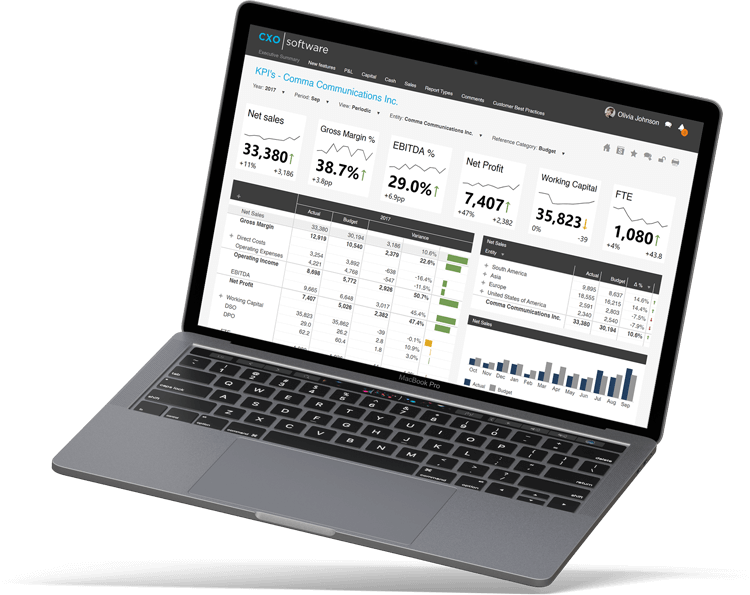
How Much Time Do You Spend Waiting Around for Numbers?

Manual Processes are Impacting Your Sales
You’re wasting too much time trying to compile market information yourself or waiting for someone to do it for you. It’s reducing your effectiveness and your ability to bring in more sales.

You Weren't Hired to Write Reports
Your lack of technical skills in a complex reporting environment makes you reliant on IT for reports, dashboards, and valuable data to help you close more deals and drive revenue.

You Can’t Access the Data You Need
From gathering customer data to tracking goals, salespeople are collecting and using data at every possible minute. Using your data effectively can be challenging if you can’t access that data from wherever you are.
Easily Create, Visualize, and Share Your Sales Reports and Dashboards from Anywhere
Reach Your Sales Goals Faster
Know instantly which product line to focus your sales and marketing efforts on to reach that target revenue increase while still maintaining a minimum profit margin. With insightsoftware’s reporting and analytics solutions, sales team members know where they stand any time of the quarter, month, week. or day, and managers can know where to look for improvement.
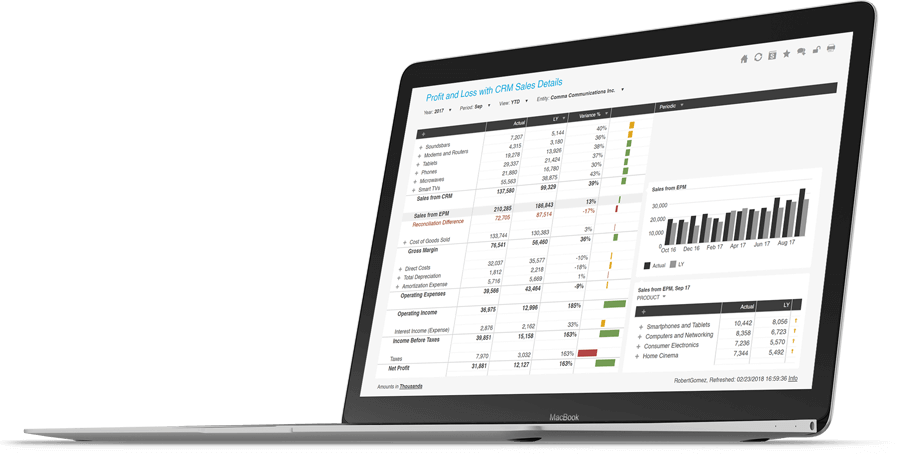
Create Your Own Sales Reports and Dashboards
Flexible dashboards play a huge role in managing day-to-day operations, measuring performance, and adapting quickly to changing conditions. Easily pull numbers to identify trends of customers who “bought X also bought Y” to quickly adapt marketing focus, increase engagement, and widen the customer net.
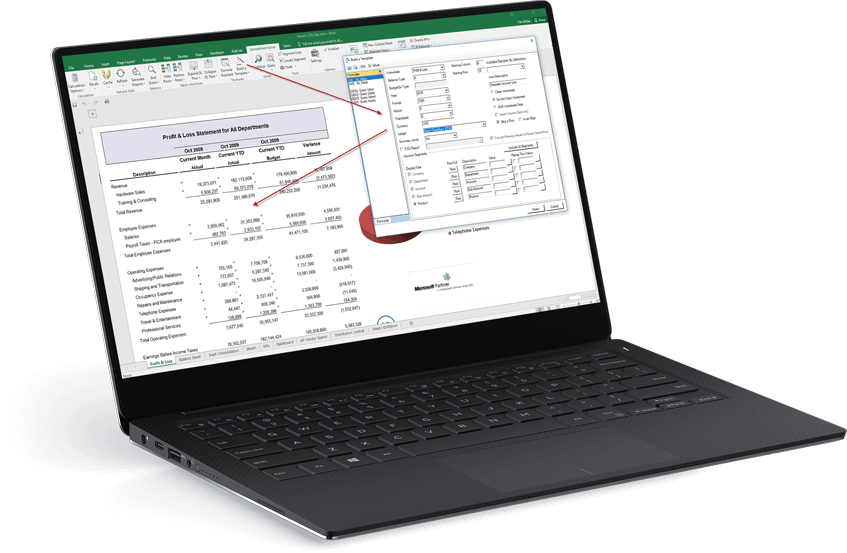
Unlock Customer Insights
Which customers are the most profitable? It’s essential to understand your customers to identify where efforts should go and gauge how your business is doing. Lifetime value. Sales by customer. Profitability by customer. Make sure you’re spending quality time with who and what matters to drive your best bottom line.
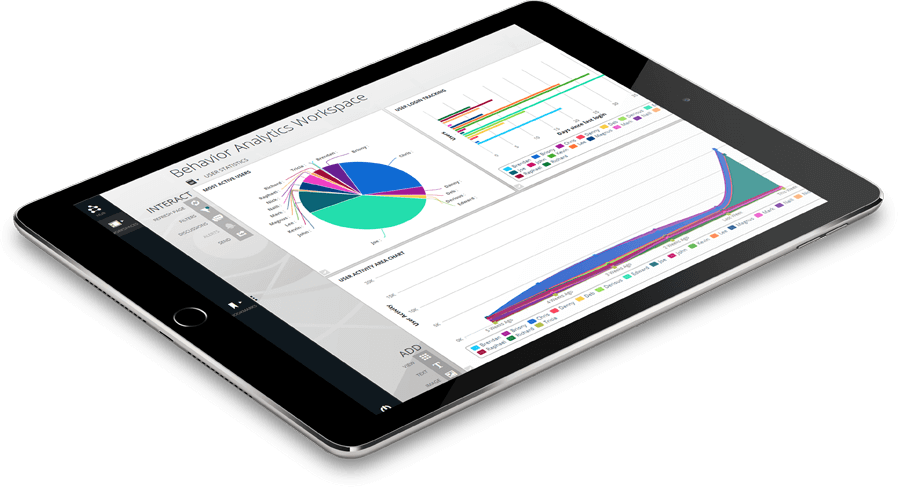
Integrates with:
- Deltek Ajera
- Deltek ComputerEase
- Deltek CostPoint
- Deltek Maconomy
- Deltek VantagePoint
- Deltek Vision
- Deltek Vision Cloud
- Epicor Avante
- Epicor BisTrack
- Epicor CMS
- Epicor Enterprise
- Epicor Epicor SLS
- Epicor iScala
- Epicor Kinetic
- Epicor LumberTrack
- Epicor Manage 2000
- Epicor Prophet 21
- Epicor Tropos
- Oracle E-Business Suite (EBS)
- Oracle EPM Cloud
- Oracle ERP Cloud
- Oracle Essbase
- Oracle Financial Consolidation and Close (FCCS)
- Oracle Fusion
- Oracle Hyperion Enterprise
- Oracle Hyperion Financial Management (HFM)
- Oracle Hyperion Planning
- Oracle PeopleSoft
- Oracle Planning and Budgeting Cloud Service (PBCS)
- Oracle Tax Reporting
- Infor CloudSuite Financials
- Infor Distribution SX.e
- Infor Financials & Supply Management
- Infor Lawson
- Infor M3
- Infor System21
- Infor SyteLine
- Infor XL
- Dynamics 365 Business Central
- Dynamics 365 Finance and Supply Chain Management
- Dynamics AX
- Dynamics CRM
- Dynamics GP
- Dynamics NAV
- Dynamics NAV C5
- Dynamics SL
- SQL Server Analysis Services (SSAS)
- MRI Commercial Management
- MRI Financials
- MRI Horizon
- MRI Horizon CRE
- MRI Qube Horizon
- MRI Residential Management
- Sage 100
- Sage 100 Contractor
- Sage 200
- Sage 300
- Sage 300 CRE (Timberline)
- Sage 500
- Sage 50cloud Accounting
- Sage AccPac
- Sage Adonix Tolas
- Sage Estimating
- Sage Intacct
- Sage Intacct Budgeting & Planning
- Sage MAS
- Sage X3
- SAP BPC (HANA, MS or Netweaver)
- SAP Business ByDesign
- SAP Business One (B1)
- SAP Business Warehouse (BW)
- SAP ERP
- SAP ERP Central Component (ECC)
- SAP S/4HANA
SYSPRO
- Viewpoint Spectrum
- Viewpoint Vista
- 24SevenOffice
- A+
- AARO
- AccountEdge
- Accounting CS
- Accountmate
- Acumatica
- Alere
- Anaplan
- Aptean
- Assist
- ASW
- Aurora (Sys21)
- Axion
- Axis
- BAAN
- Banner
- Blackbaud
- BlueLink
- Book Works
- BPCS
- Cayenta
- CCH
- CDK Global
- CedAr e-financials
- CGI Advantage
- Clarus
- CMiC
- CMS (Solarsoft)
- Coda
- Coins
- Colleague
- CPSI
- CSC CorpTax
- Custom
- CYMA
- DAC
- Data Warehouse
- Datatel
- DATEV
- Davisware Global Edge
- Davisware S2K
- Deacom
- DPN
- e5
- eCMS
- Eden (Tyler Tech)
- Emphasys
- Entrata
- Etail
- Expandable
- FAMIS
- Famous Software
- Fern
- FinancialForce
- FireStream
- FIS
- FiServ
- Flexi
- Fortnox
- Foundation
- Fourth Shift
- Friedman
- Full Circle
- GEMS
- Harris Data (AS/400)
- HCS
- HMS
- IBM Cognos TM1
- IBS
- IBS-DW
- In-House Developed
- Incode
- INFINIUM
- IQMS
- iSuite
- Jack Henry
- Jenzabar
- JobBOSS
- Jonas Construction
- M1
- Macola
- MACPAC
- Made2Manage
- MAM
- MAM Autopart
- Manman
- Mapics
- McLeod
- MEDITECH
- MFG Pro
- MicrosOpera
- MIP
- Mitchell Humphrey
- Movex
- MRI
- MSGovern
- Munis (Tyler Tech)
- New World Systems
- Onesite
- Onestream XF
- Open Systems
- PDI
- Penta
- Plexxis
- PowerOffice
- PRMS
- Pro Contractor
- ProLaw
- Q360
- QAD
- Quantum
- Qube Horizon
- QuickBooks Desktop Premier
- QuickBooks Desktop Pro
- Quickbooks Enterprise
- QuickBooks Online
- Quorum
- RealPage
- REST API
- Retalix
- Ross
- SmartStream
- Spokane
- Springbrook
- Standalone DB with ODBC/DSN connection
- Standalone IBM DB
- Standalone Oracle DB
- Standalone SQL DB
- SUN
- Sunguard
- SunSystems
- Sys21
- SyteLine
- TAM (Applied Systems)
- Thomson Reuters Tax
- Timberline
- TIMELINE
- Traverse
- TripleTex
- Unit4
- Unit4 Agresso
- Unit4 Business World
- Unit4 Coda
- USL Financials
- Vadim
- VAI-System 2000
- Vantage
- Vertex
- Visma
- Winshuttle
- Wolters Kluwer CCH Tagetik
- WorkDay
- Xero
- xLedger
- Xperia
- Yardi
- Yardi-SaaS
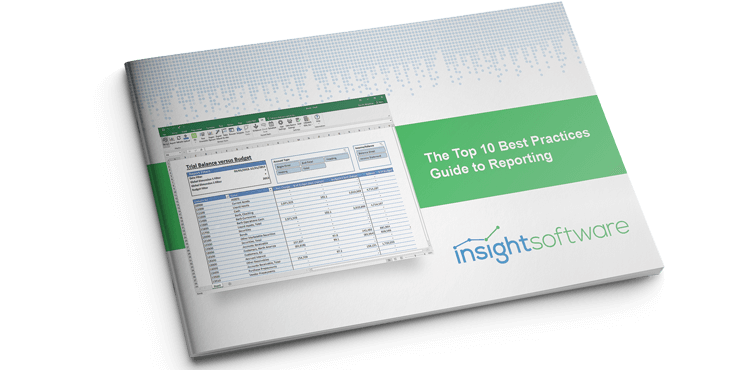
Top 10 Best Practices for Financial Reporting in Excel
From financial statements to annual reports, accurate reporting is essential to the livelihood of your business. Microsoft Excel is one of the most widely used analysis tools, and most businesses use it to manage their data and create reports. In this whitepaper, insightsoftware gives you 10 easy ways to improve your reporting practices in Excel. You will learn,
How to make your reports more interactive
Tune your reports for performance
Increase report usability through these tried and true techniques
Complete the form now and a copy of this resource will be delivered to your email.
Work with the #1 Reporting and Dashboard Vendor for ERPs and EPMs
Speak to an Expert

Related Resources

Whitepaper
Construction Industry Outlook for F&A Professionals
This ebook explores some of the top trends currently affecting the construction industry and the particular challenges those trends create…
Read More



Blog
The Ultimate Guide to Automating Disclosure Management
Disclosure reporting is critically important, so we've compiled the top benefits, best practices, & resources to help ensure you get…
Read More