Operations


Operational Reporting and Business Intelligence Software for Increased Efficiency



Slim Margins Don’t Leave Room for Error

You’re Using Questionable Data to Make Decisions
Inaccurate data from manually compiling information lead to inaccurate reports that not only impact your success but create costly issues in other areas of the business.

It Takes Weeks to See What Happened Yesterday
Whether it’s the resource-strapped IT department or vendors with a queue of other customers, you’re always relying on others to create the reports you need.

You Don’t Have Full Visibility into Your Data
When your data live in different locations and your only option is to consolidate those data manually, it’s hard to see the big picture and make informed decisions.
Easily Access Operational Data from Multiple Sources for Fast, Accurate Decision Making
Instantly See Your True Operational Standing
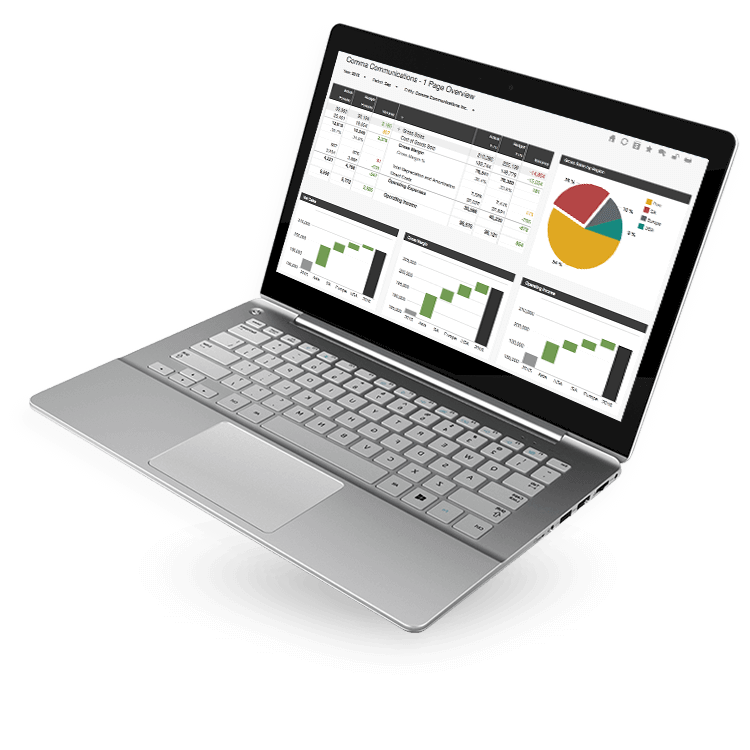
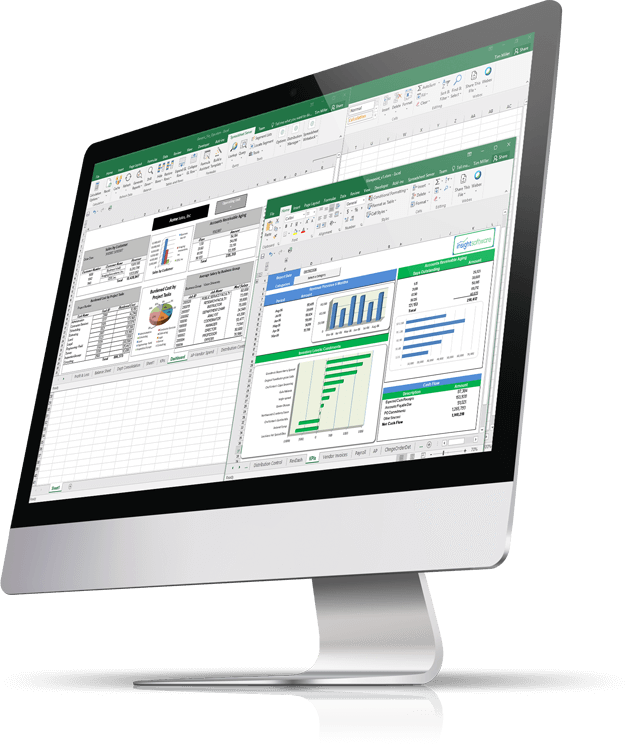
Working capital, expense ratios, profitability indicators, balance sheets, liquidity—all of these measures paint a pertinent snapshot of where your business stands. With insightsoftware’s portfolio of reporting and analytics software, see it all in one place, refresh with the click of a button, and use visual indicators for actionable areas.
Streamline Production Planning
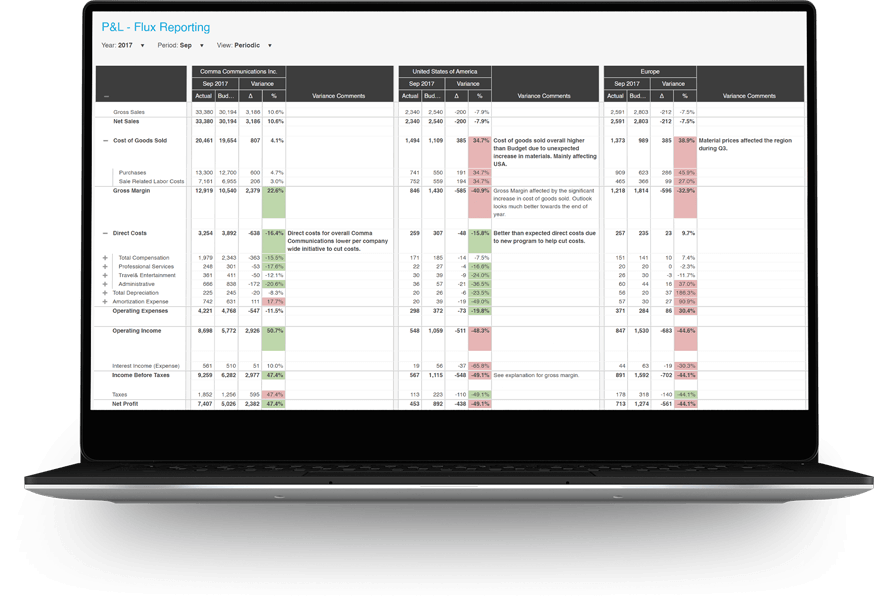
Join operational data and key financial data to gain a complete view of performance. View what you have on order, what bill of materials you have, your production status, and the quantity committed so you can optimize inventory, break down costs, and increase profits through your MRP.
Automatically Consolidate Data from Multiple Sources
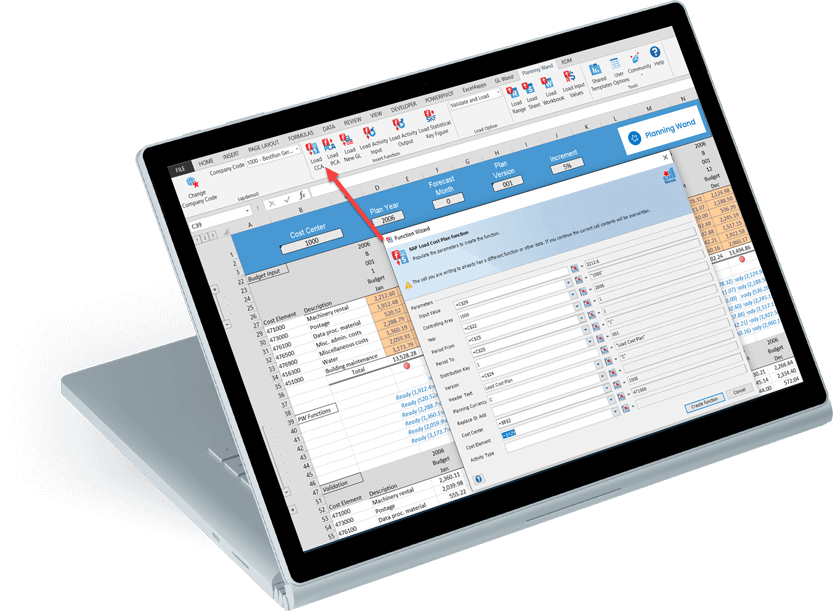
You don’t need to keep a separate report or dashboard for each warehouse location. View what you have on hand by location all at once to see the complete inventory or break it down by a select few with quick and easy filters. insightsoftware gives you the flexibility to view the inventory data you need, any way you need to see them, without having to manage a ton of different reports and data sources.
Integrates with:
- Deltek Ajera
- Deltek ComputerEase
- Deltek CostPoint
- Deltek Maconomy
- Deltek VantagePoint
- Deltek Vision
- Deltek Vision Cloud
- Epicor Avante
- Epicor BisTrack
- Epicor CMS
- Epicor Enterprise
- Epicor Epicor SLS
- Epicor iScala
- Epicor Kinetic
- Epicor LumberTrack
- Epicor Manage 2000
- Epicor Prophet 21
- Epicor Tropos
- Oracle E-Business Suite (EBS)
- Oracle EPM Cloud
- Oracle ERP Cloud
- Oracle Essbase
- Oracle Financial Consolidation and Close (FCCS)
- Oracle Fusion
- Oracle Hyperion Enterprise
- Oracle Hyperion Financial Management (HFM)
- Oracle Hyperion Planning
- Oracle PeopleSoft
- Oracle Planning and Budgeting Cloud Service (PBCS)
- Oracle Tax Reporting
- Infor CloudSuite Financials
- Infor Distribution SX.e
- Infor Financials & Supply Management
- Infor Lawson
- Infor M3
- Infor System21
- Infor SyteLine
- Infor XL
- Dynamics 365 Business Central
- Dynamics 365 Finance and Supply Chain Management
- Dynamics AX
- Dynamics CRM
- Dynamics GP
- Dynamics NAV
- Dynamics NAV C5
- Dynamics SL
- SQL Server Analysis Services (SSAS)
- MRI Commercial Management
- MRI Financials
- MRI Horizon
- MRI Horizon CRE
- MRI Qube Horizon
- MRI Residential Management
- Sage 100
- Sage 100 Contractor
- Sage 200
- Sage 300
- Sage 300 CRE (Timberline)
- Sage 500
- Sage 50cloud Accounting
- Sage AccPac
- Sage Adonix Tolas
- Sage Estimating
- Sage Intacct
- Sage Intacct Budgeting & Planning
- Sage MAS
- Sage X3
- SAP BPC (HANA, MS or Netweaver)
- SAP Business ByDesign
- SAP Business One (B1)
- SAP Business Warehouse (BW)
- SAP ERP
- SAP ERP Central Component (ECC)
- SAP S/4HANA
SYSPRO
- Viewpoint Spectrum
- Viewpoint Vista
- 24SevenOffice
- A+
- AARO
- AccountEdge
- Accounting CS
- Accountmate
- Acumatica
- Alere
- Anaplan
- Aptean
- Assist
- ASW
- Aurora (Sys21)
- Axion
- Axis
- BAAN
- Banner
- Blackbaud
- BlueLink
- Book Works
- BPCS
- Cayenta
- CCH
- CDK Global
- CedAr e-financials
- CGI Advantage
- Clarus
- CMiC
- CMS (Solarsoft)
- Coda
- Coins
- Colleague
- CPSI
- CSC CorpTax
- Custom
- CYMA
- DAC
- Data Warehouse
- Datatel
- DATEV
- Davisware Global Edge
- Davisware S2K
- Deacom
- DPN
- e5
- eCMS
- Eden (Tyler Tech)
- Emphasys
- Entrata
- Etail
- Expandable
- FAMIS
- Famous Software
- Fern
- FinancialForce
- FireStream
- FIS
- FiServ
- Flexi
- Fortnox
- Foundation
- Fourth Shift
- Friedman
- Full Circle
- GEMS
- Harris Data (AS/400)
- HCS
- HMS
- IBM Cognos TM1
- IBS
- IBS-DW
- In-House Developed
- Incode
- INFINIUM
- IQMS
- iSuite
- Jack Henry
- Jenzabar
- JobBOSS
- Jonas Construction
- M1
- Macola
- MACPAC
- Made2Manage
- MAM
- MAM Autopart
- Manman
- Mapics
- McLeod
- MEDITECH
- MFG Pro
- MicrosOpera
- MIP
- Mitchell Humphrey
- Movex
- MRI
- MSGovern
- Munis (Tyler Tech)
- New World Systems
- Onesite
- Onestream XF
- Open Systems
- PDI
- Penta
- Plexxis
- PowerOffice
- PRMS
- Pro Contractor
- ProLaw
- Q360
- QAD
- Quantum
- Qube Horizon
- QuickBooks Desktop Premier
- QuickBooks Desktop Pro
- Quickbooks Enterprise
- QuickBooks Online
- Quorum
- RealPage
- REST API
- Retalix
- Ross
- SmartStream
- Spokane
- Springbrook
- Standalone DB with ODBC/DSN connection
- Standalone IBM DB
- Standalone Oracle DB
- Standalone SQL DB
- SUN
- Sunguard
- SunSystems
- Sys21
- SyteLine
- TAM (Applied Systems)
- Thomson Reuters Tax
- Timberline
- TIMELINE
- Traverse
- TripleTex
- Unit4
- Unit4 Agresso
- Unit4 Business World
- Unit4 Coda
- USL Financials
- Vadim
- VAI-System 2000
- Vantage
- Vertex
- Visma
- Winshuttle
- Wolters Kluwer CCH Tagetik
- WorkDay
- Xero
- xLedger
- Xperia
- Yardi
- Yardi-SaaS
Top 10 Best Practices for Financial Reporting in Excel
From financial statements to annual reports, accurate reporting is essential to the livelihood of your business. Microsoft Excel is one of the most widely used analysis tools, and most businesses use it to manage their data and create reports. In this whitepaper, insightsoftware gives you 10 easy ways to improve your reporting practices in Excel. You will learn,
How to make your reports more interactive
Tune your reports for performance
Increase report usability through these tried and true techniques
Complete the form now and a copy of this resource will be delivered to your email.

“I can create a report 50-70% faster, with much higher quality.”
Tony Benedetti
CFO & COO
Honig Vineyard and Winery
Work with the #1 Reporting and Business Intelligence Vendor for ERPs and EPMs