
Construction


Keep an Eye On Construction Costs and Improve Estimates to Help Boost Profitability



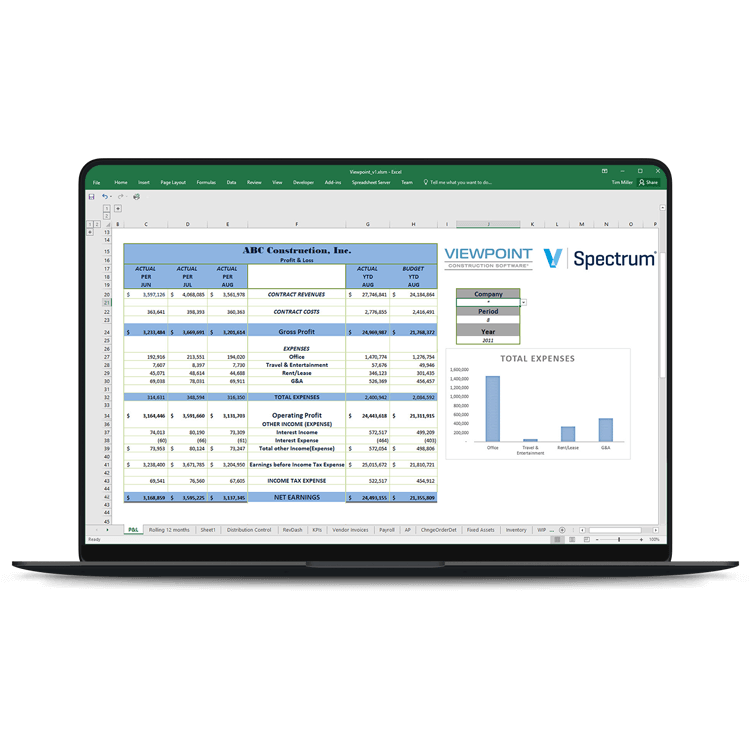
Improve Construction Planning Efficiency with Real-Time Data Access and Automated Financial Reporting

Reporting Over Cost Types Requires Specialist Skills
When construction firms may have over 40 different cost types to track to protect your profit margin, including labor, materials, equipment, and overheads, knowing where to find these data can be challenging.

Answering One-Off Questions Takes Too Long
Responding to questions from other departments as well as from customers regarding billing, payments, costs, and jobs is a time-consuming, manual process.

Out-of-the-Box Reports are Too Limited
Relying on IT to create and maintain reports or dumping data into Excel and manually manipulating it because your ERP's out-of-the-box reports don't fit your business, isn't sustainable.
Fast, Accurate Construction Reporting Software for Finance Teams
Accelerate Challenging Construction Specific Reporting
Whether you are using Viewpoint, Spectrum, Sage, COINS, or Procontractor, quickly create cash flow and profitability reports. Compare payroll, business expenses, and material costs against previous years to analyze changes. Produce period-on-period analysis reports (e.g., a month-by-month balance sheet) and refresh them in seconds. Combine data from multiple modules to create consolidated P&L, balance sheet, and cash flow forecasts formatted exactly how you like.
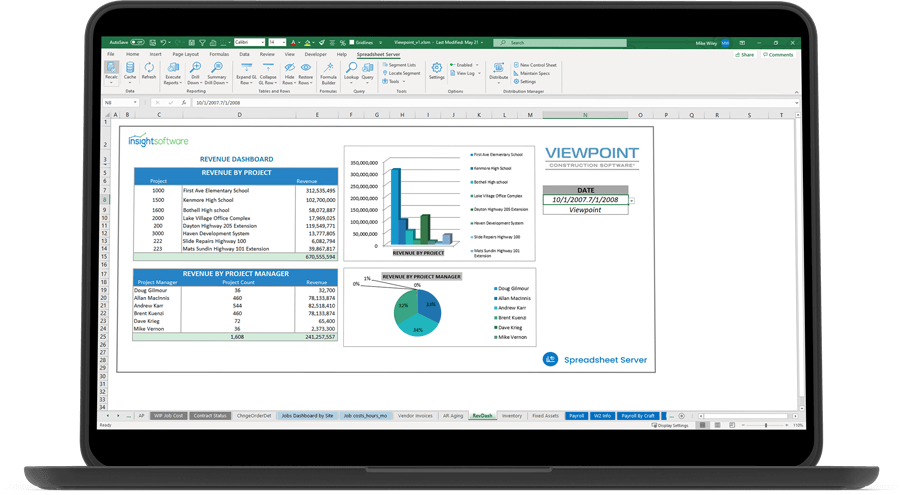
Create Real-Time, Drillable Excel Reports for Your GL and Beyond
Enable the finance team to build refreshable reports using easy-to-configure, pre-built templates, or by creating a custom report in minutes, without help from IT. With direct access to accurate data from your ERP, users can drill into journals, balances, and subledger transactions to find and quickly fix reconciliation or data integrity issues. View images in Excel to help users quickly view checks, payments, invoices, and other document images.
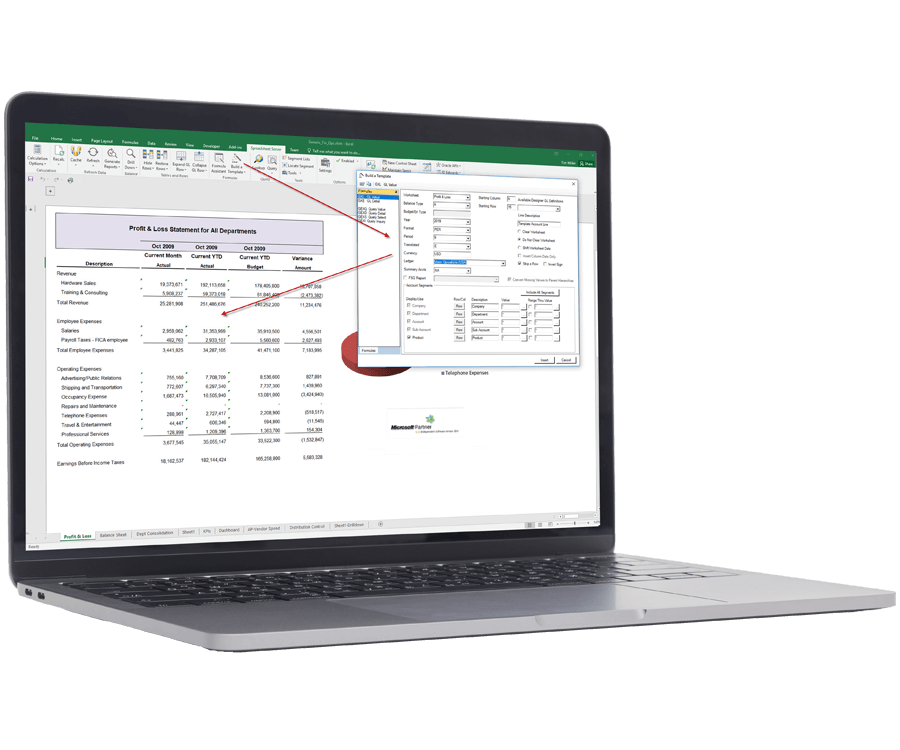
Tackle One-Off Questions With Ease
Create ad hoc reports on project costs, jobs, and income, and drill down into the information to answer questions from other departments and customers. Use your existing Excel skills to quickly search for the data you need and to format your reports exactly how you need them.
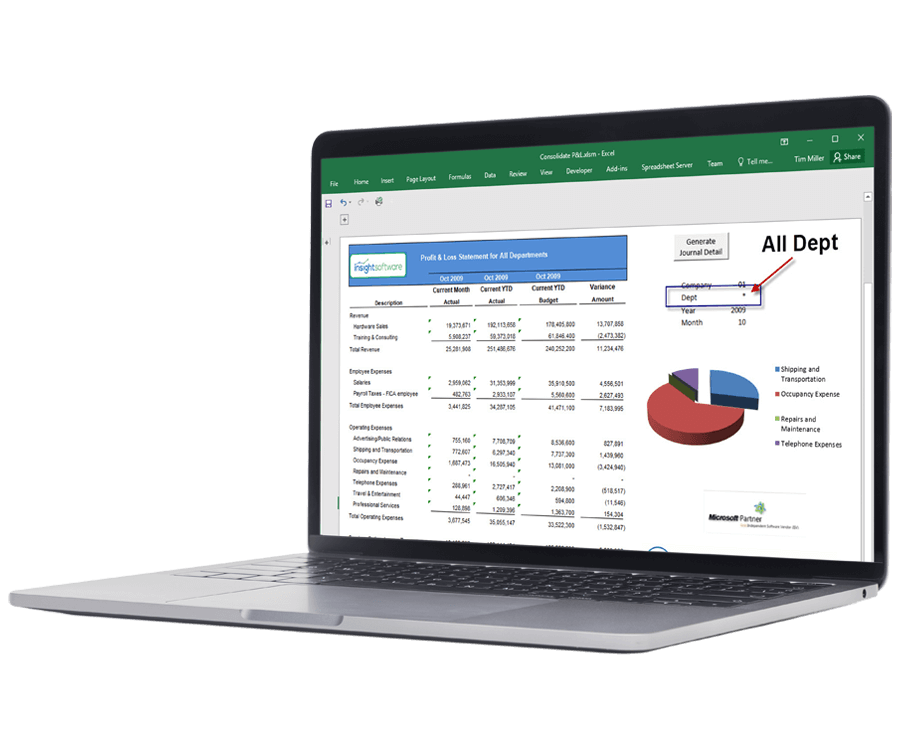
Increase Planning Agility Across Your Whole Organization
Stay on top of material costs and manage labor efficiently for multiple projects at once. Utilize continuous planning and forecasting tools that are backed by up-to-the-minute reporting and cross-project analytics that will enable you to make decisions. You can view real-time data with ease and clarity in a way that manual, spreadsheet-based planning processes can’t match.
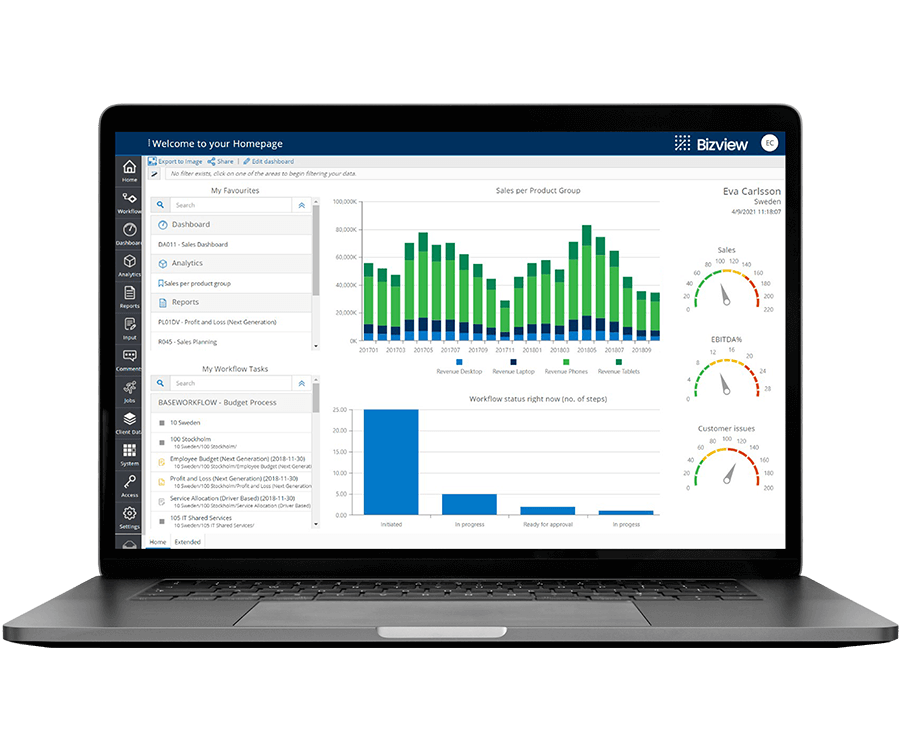
Simplify and Speed Up Financial Report Creation
Whether you’re a spreadsheet expert or new to the business report world, download our Top 10 Best Practices for Construction Reporting in Excel guide to help streamline your report creation process.. Learn How to:
Make reports more interactive
Increase report usability
Tailor reports for your audience
Prevent unwanted spreadsheet errors
Work with the #1 Construction Reporting, Analytics, & Dashboard Software Solutions Vendor

"By replacing our manual processes with Atlas, the entire project creation cycle takes less than 30 seconds, compared with 30 minutes previously."
Steve Boland
Senior Manager
Interservefm
Work with the #1 Construction Reporting, Analytics, & Dashboard Software Solutions Vendor

Related Resources




On-Demand Webinar
Optimize Your Year-end Reporting: Real-Time Project Insights Directly in Excel
Watch Now
Blog
Top 40 Engineering KPIs and Metric Examples for 2025 Reporting
Guiding you through the 40 most important engineering KPIs and metrics for reporting and how they impact business success and…
Read More