On-Demand Webinar
Spreadsheet Server 101: Step-by-Step Report Building
Watch Webinar

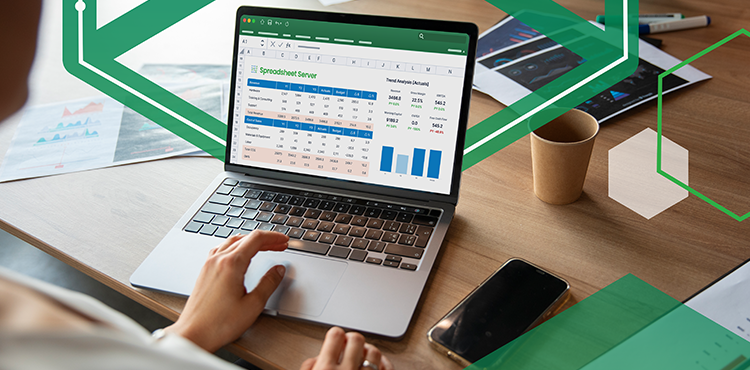
Most finance teams start with GL reports in Spreadsheet Server and stop there. But your ERP holds far more than general ledger data. Did you know you can access AR…
Most finance teams start with GL reports in Spreadsheet Server and stop there. But your ERP holds far more than general ledger data. Did you know you can access AR aging details, project profitability, inventory data, and operational metrics, all without leaving Excel? And pull from multiple ERPs into one report, automate refreshes, and scale reporting across your entire team? Join Sue Maloney, Spreadsheet Server expert, for a hands-on session showing you step-by-step how to unlock the full power of your ERP data in Excel. You'll see how to:
Connect to data beyond the general ledger (subledger, operational, cross-system)
Build reports from one ERP or multiple ERPs as your business grows
Automate manual processes and eliminate repetitive work
Create reports your entire team can use, not just you
Scale from solo user to team-wide reporting platform
Whether you're just getting started or ready to expand what you're building, you'll walk away with practical techniques you can use immediately, and a clear understanding of how Spreadsheet Server grows with your needs. Register now and discover everything your ERP data can do in Excel. This webinar is available in English.